Competitor Backlink Analysis: Finding Links You’re Missing
Your competitors' backlinks are a map of who links in your niche. Here's how to read it and what to act on.
Competitor backlink analysis shows you who links to the sites you’re competing with, and just as usefully, what kinds of content and relationships earn those links in the first place. Done well, it produces a short, prioritised list of realistic opportunities rather than a spreadsheet of thousands of URLs that nobody ever works through. Done badly, it just becomes a list of domains to spam with the same pitch — which is why the categorisation step below matters as much as the data pull.
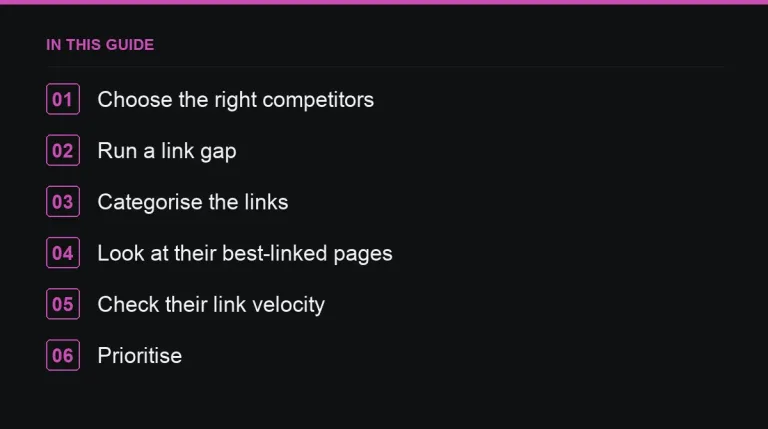
1. Choose the right competitors
Your search competitors aren’t always your business competitors, and for link analysis, search competitors are what matters. Take the pages currently ranking for your target keywords — see choosing link targets for how to pick the right keyword set — and analyse those specific sites and pages rather than the brands you think of as rivals.
2. Run a link gap report
Most SEO tools offer a “link intersect” or “gap” report: domains linking to two or more of your competitors but not to you. These tend to be the strongest opportunities available, because they’ve already demonstrated willingness to link to sites like yours — the hard part of prospecting is already solved.
3. Categorise the links by type
| Type | Replicable? |
|---|---|
| Resource pages and directories | Often — see resource page link building |
| Guest posts on relevant sites | Yes, if the site accepts contributions |
| Digital PR coverage | Partly — study the story angle that earned it, not just the site |
| Partner, supplier and association links | Only if you have an equivalent relationship |
| Links to a linkable asset | By creating a better asset — see skyscraper technique |
| Spam, link networks, paid footer links | Don’t copy — see PBN risks |
4. Look at their best-linked pages, not just their best-linked domain
Sort each competitor’s pages by referring domains rather than looking only at their homepage. The top pages usually reveal what actually earns links in your niche — a data study, a free tool, a definitive guide — and point directly to formats you could execute better, an approach covered in more depth in linkable assets.
5. Check their link velocity
How many new referring domains does each competitor gain per month, on average? This sets a realistic benchmark for your own pace and stops you from either under-investing or expecting overnight results. More on setting expectations in link velocity.
6. Separate editorial links from paid or sponsored ones
Not every competitor link was earned through outreach or content. Some will be paid placements, sponsored posts, or directory submissions. You don’t need to guess: sites that regularly sell placements are usually easy to spot from thin, generic anchor text or an “advertise with us” page, and many of the same publishers are listed openly with metrics and prices in the marketplace, which saves you the work of cold-pitching a site that would have said yes to a paid order anyway.
7. Prioritise and schedule the work
Score each opportunity by relevance, site authority and effort required, then work through the list in that order rather than tackling whatever looks easiest first. Revisit the gap analysis quarterly — competitor link profiles shift enough in three months that a stale list wastes time on prospects who’ve already been contacted by someone else or who no longer accept the type of link you’re after.
Building this into a repeatable process
Treat competitor backlink analysis as a recurring task rather than a one-off audit performed at the start of a campaign. Assign it a fixed slot on your quarterly calendar, keep the previous quarter’s export so you can measure how much a competitor’s link profile actually grew and where, and share a short summary with stakeholders rather than the raw export — most people outside SEO don’t need the full spreadsheet, they need the three or four opportunities worth acting on this quarter. For agencies running this across several accounts at once, standardising the report format across clients saves considerable time; see link building reporting for clients for a template that works well here.
Common mistakes to avoid
- Analysing brand competitors instead of search competitors, which produces an irrelevant prospect list.
- Treating every link in the gap report as equally worth pursuing, when some are clearly unreplicable or low-value.
- Running the analysis once and never refreshing it as competitors keep earning new links.
- Exporting the full report and handing it to an outreach team unfiltered, which buries the handful of genuinely strong opportunities inside hundreds of irrelevant rows.
A useful habit is to timestamp every export and keep the previous quarter’s file alongside the new one, so you can see at a glance which domains are new to the gap and which have been sitting there unclaimed for months — the latter are worth asking why nobody has converted them yet.
Where to go next
Once you have a prioritised list, move into finding guest post opportunities for sites that accept contributions, and outreach email templates for how to approach each type of prospect you’ve uncovered.
Frequently asked questions
How many competitors should I analyse?
Three to five sites that actually rank for your target keywords is usually enough to surface a useful, manageable prospect list.
Should I copy every competitor backlink?
No. Copy relevant, legitimate links such as resource pages and guest posts, and ignore spam, link networks and irrelevant placements.
How often should I redo backlink gap analysis?
Quarterly works well for most sites, since competitor link profiles change enough in that window to surface new, unclaimed opportunities.
What's the fastest win from a link gap report?
Domains already linking to two or more competitors, since they've shown they'll link to sites like yours and need the least persuading.
Put it into practice
Filter 54,483 websites by DR, traffic, niche and price, and order with escrow — you pay only after the link is live.
Browse the marketplace