Auditing Backlinks After a Site Migration
Migrations quietly break and misdirect links — here's the audit checklist to run right after one.
A migration — whether it’s a domain change, a platform switch, or a large URL restructure — is one of the highest-risk moments for a backlink profile, because links that took years to earn can break, redirect incorrectly, or lose value in the transition without any obvious warning sign until traffic drops.
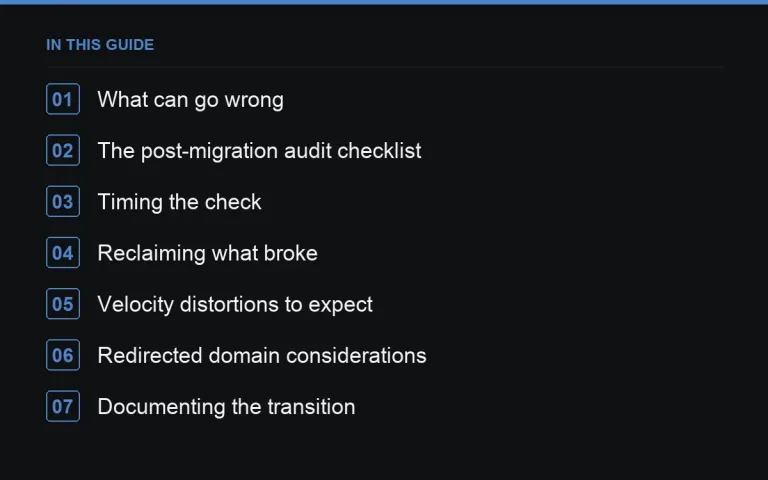
What can go wrong
- Old URLs return a 404 instead of redirecting, silently dropping every link pointing to them
- Redirects point to an irrelevant page (often the homepage) instead of the closest equivalent, weakening the link’s topical relevance
- Redirect chains stack up (old URL to interim URL to final URL) instead of pointing directly, adding unnecessary hops
- A new domain isn’t properly verified in Search Console, delaying visibility into how the transition is going
The post-migration audit checklist
| Check | How |
|---|---|
| Every previously linked URL still resolves | Crawl your pre-migration URL list and confirm 200 or a proper 301, not a 404 or 302 |
| Redirects go to the correct equivalent page | Spot-check a sample against the old site structure, not just the homepage |
| No redirect chains longer than one hop | Trace each redirect end to end |
| Link data sources have picked up the new domain | Confirm Search Console and any third-party crawler are tracking the new property |
Timing the check
Run an initial pass within the first week of the migration to catch major breakage, then a fuller audit at the one-month mark once crawlers have had time to catch up. Waiting longer than that risks missing broken links during the window when they’re easiest to fix with the site owner still expecting to hear from you.
Reclaiming what broke
Any link that resolves to a 404 despite pointing at a URL that should have redirected is a lost link, plain and simple. Treat it with the standard https://successtoroad.com/blog/lost-links-and-reclaiming-them/ process — fix the redirect first if that’s the actual cause, since that’s often faster and doesn’t require outreach at all.
Velocity distortions to expect
A migration can create artificial-looking changes in link velocity as data sources re-attribute links to the new domain. Don’t panic over what looks like a sudden loss or gain in referring domains right after a migration — give it a few weeks and re-check against https://successtoroad.com/blog/auditing-link-velocity/ before concluding anything is actually wrong.
Redirected domain considerations
If the migration involved consolidating an old domain via redirect rather than a straightforward same-domain restructure, review https://successtoroad.com/blog/redirected-domain-link-audits/ as well, since that introduces its own set of things to verify.
Documenting the transition
Keep a clear record of what was checked and fixed during the migration audit, separate from your regular ongoing records — see https://successtoroad.com/blog/documenting-a-backlink-audit/. This is valuable if a ranking question comes up months later and someone needs to know exactly what changed and when.
A pre-migration step that saves work later
If you have the chance to plan ahead of a migration rather than only auditing after the fact, pull the full pre-migration link list and its target URLs before anything changes. This becomes your reference map for building the redirect plan and for spot-checking afterward, and it’s far easier to compile calmly beforehand than to reconstruct retroactively once URLs have already changed and some of the old structure has been lost.
Coordinating with whoever owns the technical migration
Backlink preservation often falls through the cracks between an SEO team and a development or platform team, since redirect mapping can feel like a purely technical task with no obvious SEO owner. Make sure whoever is building the redirect rules has the pre-migration link list in hand, not just a generic old-URL-to-new-URL mapping based on content structure alone — pages with valuable external links deserve deliberate, verified redirects rather than being caught only by a generic pattern-matching rule.
Platform-specific migration risks worth flagging early
Different platform moves carry different typical failure modes — a CMS switch often mishandles URL casing or trailing slashes, an e-commerce platform migration frequently loses category page structures, and a subdomain-to-subfolder change can quietly alter how a site is treated as a single property versus separate ones. Flag the specific risk profile of your migration type early with whoever’s building the technical plan, rather than relying on a generic migration checklist that doesn’t account for it.
Testing the redirect map before it goes live
Wherever possible, test the full redirect map against your pre-migration link list in a staging environment before the new site goes live, rather than discovering gaps only after launch when they’re harder and more urgent to fix. Catching a missed redirect before launch costs nothing; catching the same gap a week after launch may already mean a lost link that needs outreach to recover.
Where to go next
If the migration exposed real gaps in your link profile, use https://successtoroad.com/marketplace/ to rebuild deliberately with a clean, well-documented set of new placements rather than scrambling reactively.
Frequently asked questions
How soon after a migration should I check for broken links?
Start within the first week to catch major issues while the site owner memory and any fix window is fresh, then do a fuller pass around the one-month mark once crawlers have re-indexed the new structure.
Do redirects fully preserve link value?
A single, correctly targeted 301 redirect generally preserves most of a link's value. Redirect chains, redirects to irrelevant pages, or broken redirects can reduce or eliminate that value, which is why checking the destination matters, not just the status code.
Why does link velocity look strange right after a migration?
Data sources need time to re-attribute historical links to the new domain, which can create a temporary illusion of loss or gain. Wait a few weeks before drawing conclusions from velocity charts post-migration.
Should I redirect old URLs to the homepage if I'm unsure?
Avoid it as a default. Redirecting everything to the homepage weakens topical relevance for the link and is generally worse than finding the closest equivalent page, even if that takes more mapping work upfront.
Put it into practice
Filter 54,483 websites by DR, traffic, niche and price, and order with escrow — you pay only after the link is live.
Browse the marketplace